A Practical Guide to Classroom Tech Usage at Wilkes-Barre Academy
How Technology Supports Learning at Wilkes-Barre Academy
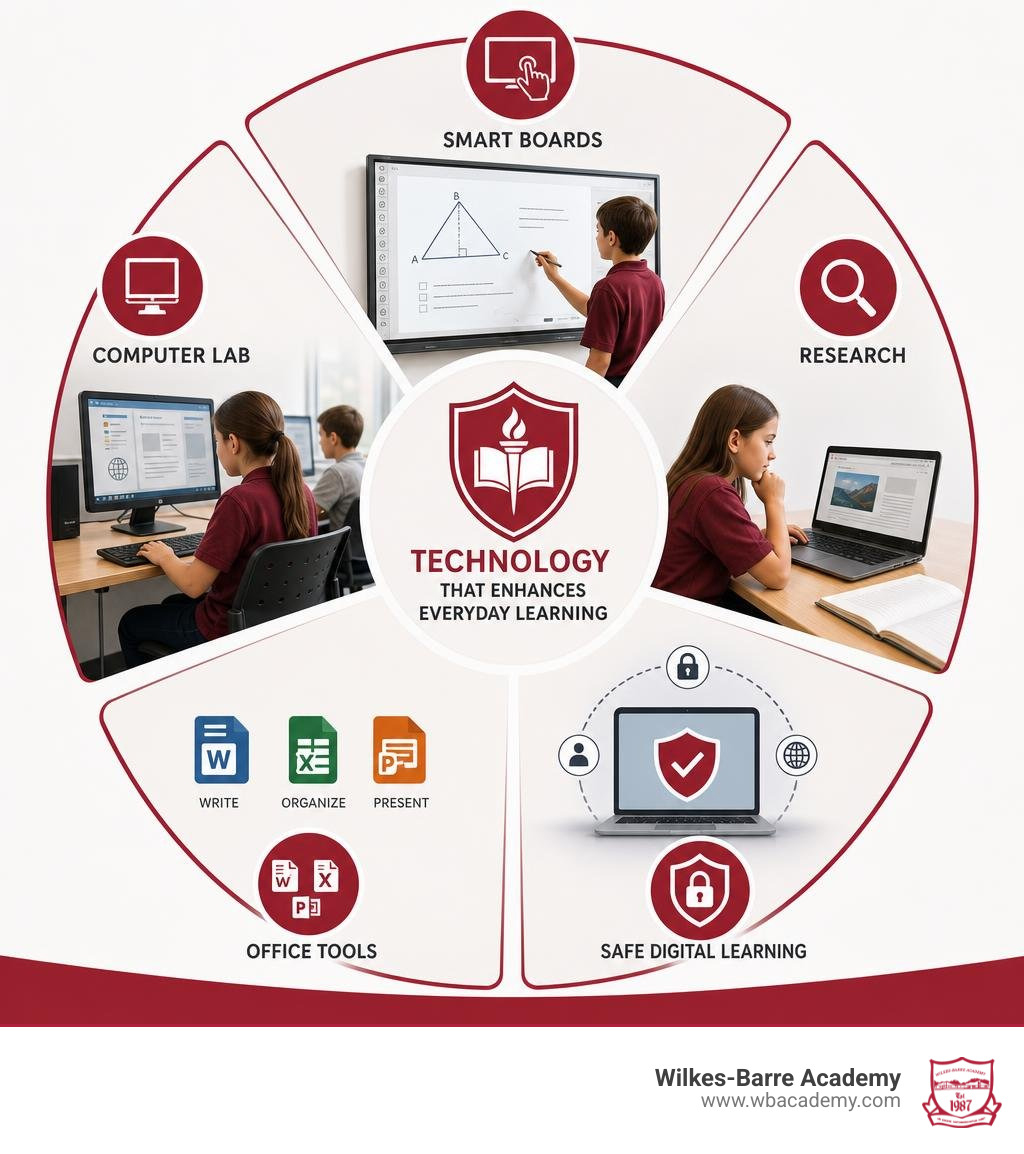
At Wilkes-Barre Academy, technology is used as a practical part of daily K-8 learning. Every classroom has a Smart Board, and students use a dedicated computer lab plus tools such as Microsoft Word, Excel, and PowerPoint to research, organize information, solve problems, and present their work.
For parents wondering how is technology used in the classroom at Wilkes-Barre Academy, the simple answer is: it supports teacher-led lessons and hands-on projects without replacing core skills such as reading, writing, discussion, and critical thinking.
Students can use technology to:
- Follow interactive lessons and work through concepts on Smart Boards.
- Research reliable information in the computer lab.
- Write reports in Word, create presentations in PowerPoint, and organize class data in Excel.
- Build digital literacy skills that matter in later school, college, and the workplace.
The Academy’s small, single-location K-8 setting helps teachers connect these tools to each student’s learning needs. Technology is also used with safeguards, including filtered internet access on student devices and campus security tools designed to support a safe learning environment.
How Is Technology Used in the Classroom at Wilkes-Barre Academy for Core Instruction
When you step into any room at Wilkes-Barre Academy, you immediately notice that technology serves as an active bridge between teacher instruction and student participation. Rather than having children stare passively at independent tablet screens all day, our teachers use interactive Smart Boards to turn abstract ideas into engaging visual experiences.
Our rigorous academics pair traditional academic fundamentals with multimedia presentations, tactile whiteboard manipulation, and dynamic problem-solving. Whether breaking down complex math equations or annotating literary passages as a group, digital tools make abstract concepts tangible and accessible to every learning style.
| Feature | Interactive Digital Tools | Traditional Textbook Instruction |
|---|---|---|
| Engagement Style | Visual, kinesthetic, and multi-sensory participation | Linear, static reading and note-taking |
| Feedback Speed | Real-time corrections and dynamic concept adjustments | Delayed review after physical grading |
| Collaboration | Group problem-solving on a shared interactive display | Individual silent reading and seatwork |
| Concept Modeling | Animated graphs, manipulatives, and 3D diagrams | Flat two-dimensional illustrations |
| Skill Development | Digital literacy combined with critical thinking | Foundational comprehension and penmanship |
Step-by-Step: How Is Technology Used in the Classroom at Wilkes-Barre Academy for Daily Lessons
Daily instruction follows a purposeful structure that keeps our students engaged, curious, and focused from morning arrival to afternoon dismissal:
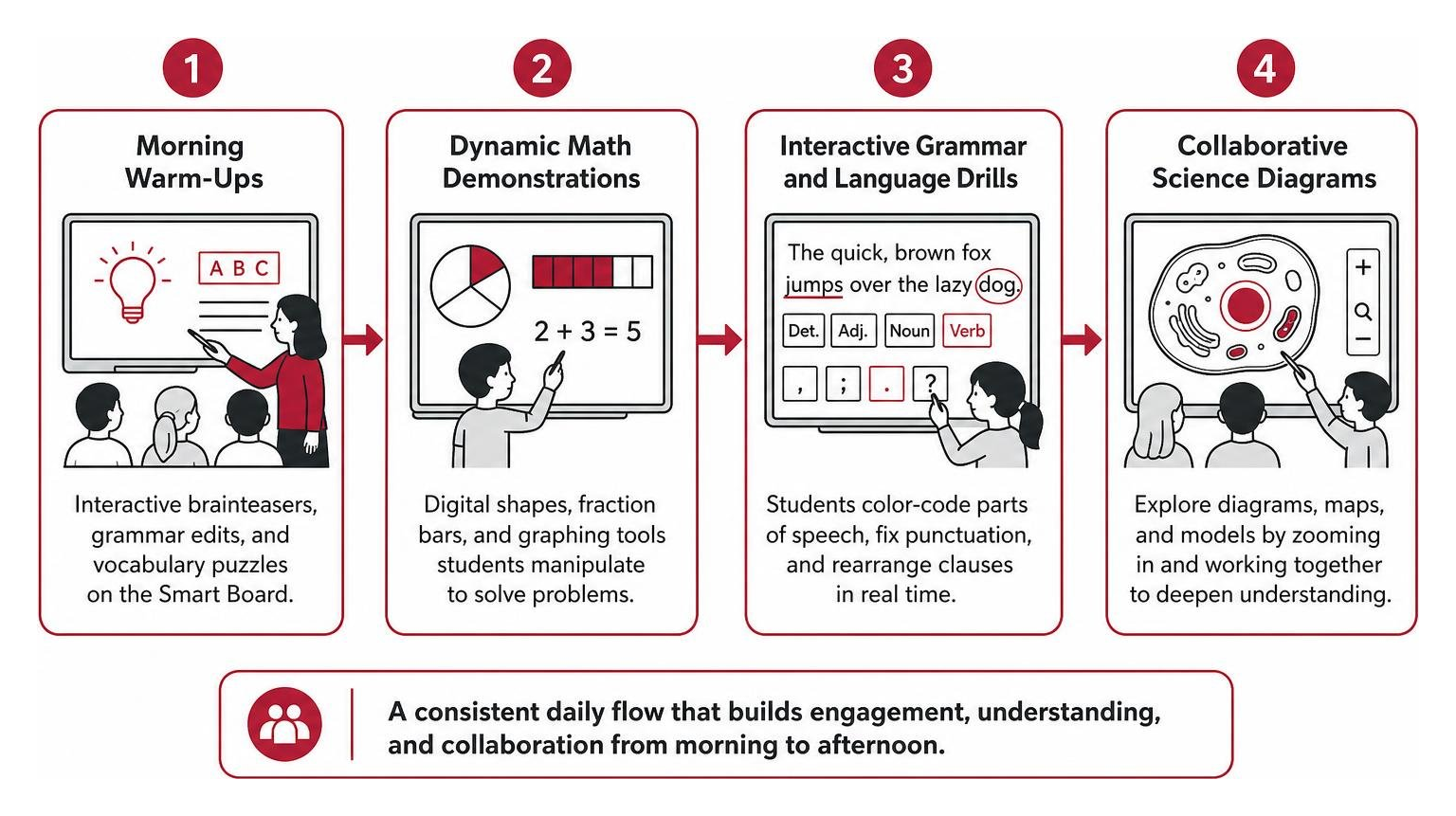
- Morning Check-Ins and Warm-Ups: Teachers launch the morning schedule on the Smart Board, featuring interactive brainteasers, daily grammar edits, or vocabulary puzzles that students solve collaboratively at the front of the room.
- Dynamic Math Demonstrations: Instead of static chalkboard work, teachers pull up digital geometric shapes, fraction bars, and graphing tools. Students step up to drag, rotate, and solve formulas in front of their peers, explaining their reasoning aloud.
- Interactive Grammar and Language Drills: Sentence diagramming comes alive as students use touch styluses to color-code parts of speech, correct punctuation errors, and rearrange clauses in real time during guided language arts instruction.
- Collaborative Science Diagrams: Classes explore detailed diagrams of cellular structures, weather patterns, planetary systems, or historical maps, zooming in on fine details to fuel deeper scientific inquiry and analytical discussion.
Dedicated Computer Lab Integration for Advanced Projects
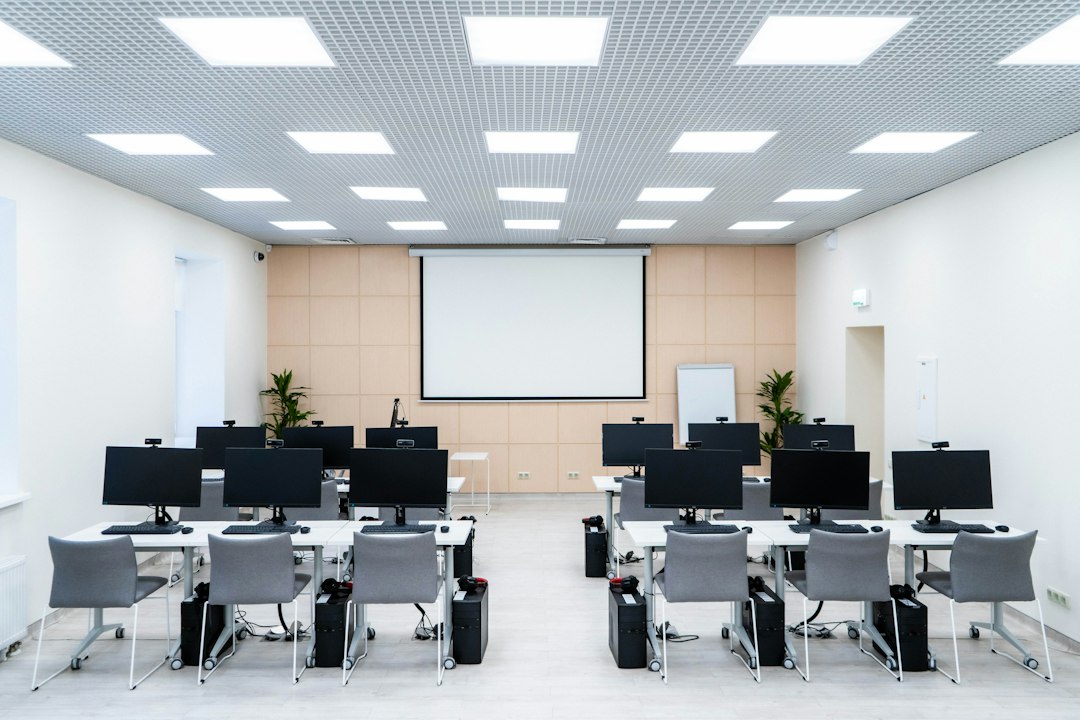
Beyond daily classroom displays, our state-of-the-art computer lab provides students with structured time to master modern productivity software. We believe that true technological competence requires knowing how to create, calculate, and analyze—not just how to consume content or swipe on a screen.
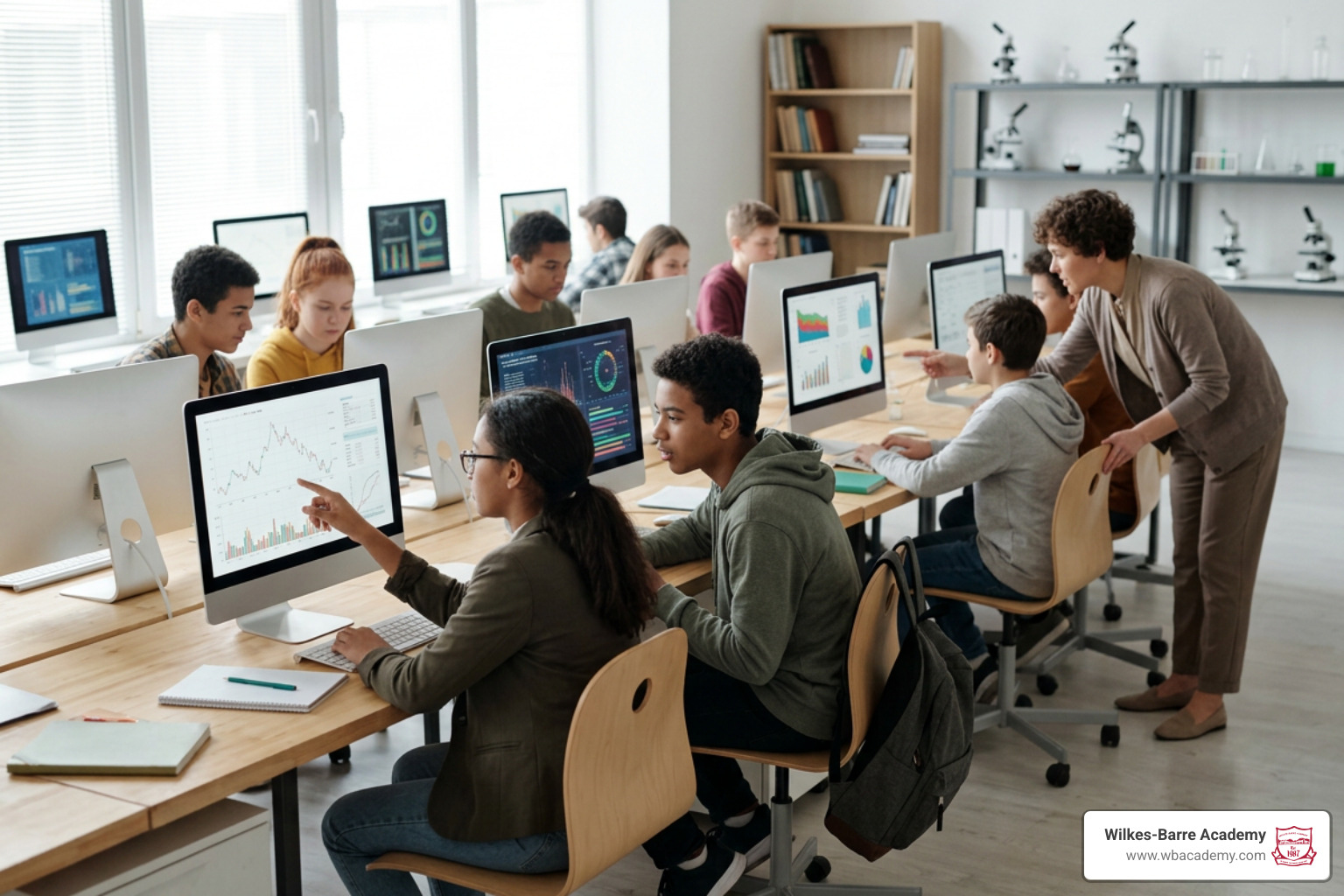
In the lab, desktop computers serve as research workstations where students learn proper touch typing, efficient file management, and ethical search strategies. In science courses, students use Microsoft Excel to track experimental data, log variable changes over time, and generate accurate charts to analyze outcomes. For language arts and history, Microsoft Word teaches fundamental formatting, outlining, drafting, and bibliography construction, setting the stage for high school and collegiate success.
Practical Steps for Building Digital Literacy Across Grade Levels
Developing genuine digital literacy is an evolving journey that grows alongside our students. From kindergarten through eighth grade, our curriculum introduces tools thoughtfully to match developmental milestones. Our dedicated academics/technology framework ensures every child develops authentic technical competence without experiencing cognitive overload.
We recognize that no two brains are alike: the rise of personalized private education in PA highlights how individualized pacing helps every child thrive. By introducing keyboarding fundamentals and basic navigation skills early, students build muscle memory and efficiency before tackling extensive online research protocols and independent inquiry projects in middle school.
Implementing Project-Based Research and Digital Presentations
As students advance into upper elementary and middle school grades, they transition from consuming information to formulating and presenting original ideas through project-based learning.
Students learn to design polished PowerPoint presentations that accompany comprehensive oral reports. Instead of reading directly from note cards, they master essential public speaking principles, data visualization techniques, and audience engagement strategies. Organizing complex research into compelling visual slides builds self-confidence and prepares our graduates for competitive academic environments in high school and beyond.
Tailoring Tech Tools to Individualized Learning Needs
Because Wilkes-Barre Academy maintains a single classroom per grade model, our certified teachers know each student’s unique strengths, interests, and learning styles. When reviewing how the 7 best accelerated learning private schools compared handle curriculum pacing, personalized attention consistently emerges as the most critical factor for lasting academic success.
Teachers adjust interactive exercises to provide targeted support or advanced enrichment. If a student grasps an advanced algebraic concept quickly, they can explore higher-level modeling exercises and multi-step computational challenges. If another needs reinforcement, interactive visual manipulatives break down steps until true conceptual mastery is achieved.
Best Practices for Campus Tech Safety and Content Filtering
A modern digital learning environment must prioritize student well-being, physical safety, and digital security. We take a multi-layered approach to ensure our school remains a secure place to learn, explore, and grow.
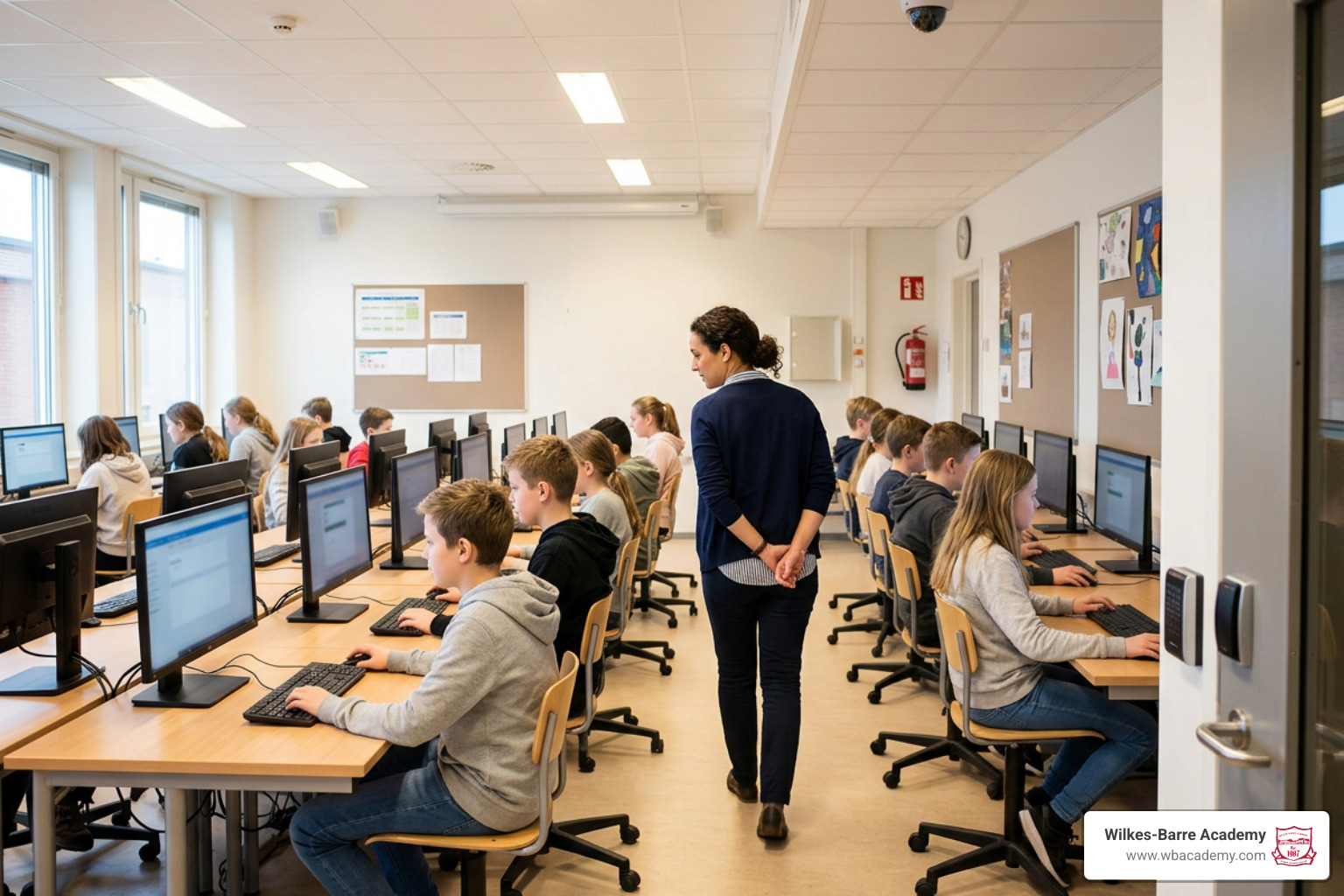
Our network infrastructure incorporates rigorous internet content filtering across all school devices, blocking inappropriate material and eliminating digital distractions. On campus, our facilities feature smart key-card entry systems, digital camera surveillance, and protective Mylar window films to maintain an environment where students can focus on their studies.
This commitment to safety is a core component of certified success for Pennsylvania private school students, giving parents peace of mind that their children are protected both online and offline.
Balancing Screen Time with Hands-On Exploration
While technology offers powerful instructional benefits, it is never used as a substitute for human connection or tactile learning. As outlined in the ultimate guide to why private schools offer superior education, a truly superior education balances modern digital tools with time-tested instructional methods.
Our school day balances screen-assisted lessons with:
- Hands-on science experiments using lab glassware, soil samples, and mechanical kits.
- Daily pen-and-paper writing, cursive practice, and physical novel reading.
- Socratic class discussions, peer debates, and collaborative group problem-solving.
- Outdoor physical activity, creative arts, and performing theater.
Frequently Asked Questions About Classroom Technology
How Is Technology Used in the Classroom at Wilkes-Barre Academy to Safeguard Student Privacy?
We protect student privacy through managed internal accounts, secure local network architecture, and strict content filtering. Students access vetted digital resources without third-party tracking, ensuring their digital footprint remains secure and strictly educational.
What Essential Software Applications Do K-8 Students Master?
Our students gain direct, hands-on mastery of the core Microsoft Office Suite:
- Microsoft Word: Report creation, structural formatting, editing, and academic referencing.
- Microsoft Excel: Data entry, basic spreadsheet formulas, data analysis, and mathematical graphing.
- Microsoft PowerPoint: Slide design, visual storytelling, digital graphics integration, and public presentation skills.
How Does Interactive Technology Enhance Daily Science and Math Lessons?
Interactive tech allows students to manipulate variables during science simulations, record real-time data from experiments, and visualize mathematical formulas through dynamic graphing software, making complex STEM concepts intuitive and memorable.
Conclusion
At Wilkes-Barre Academy, technology is integrated with intention, balance, and care. By combining interactive Smart Boards in every classroom, a fully equipped computer lab, essential productivity tools, and robust campus safety measures, we provide our students with a future-ready academic foundation. As a single-location private school serving Luzerne County families, our close-knit community ensures every child receives the individualized instruction they need to excel.
Families can expect technology to have a clear academic purpose at each stage of learning. Younger students build confidence with guided visual instruction and basic computer habits, while older students practice research, data organization, written communication, and presentation skills that support more advanced coursework. Just as importantly, teachers remain at the center of the learning process, using digital tools to clarify ideas, encourage participation, and strengthen student understanding rather than replacing direct instruction.
This practical approach reflects the Academy’s broader commitment to rigorous academics, personal attention, and strong family-school connections. Classroom technology is not treated as a novelty or distraction; it is one more carefully selected resource that helps students think clearly, communicate effectively, and grow into capable learners.
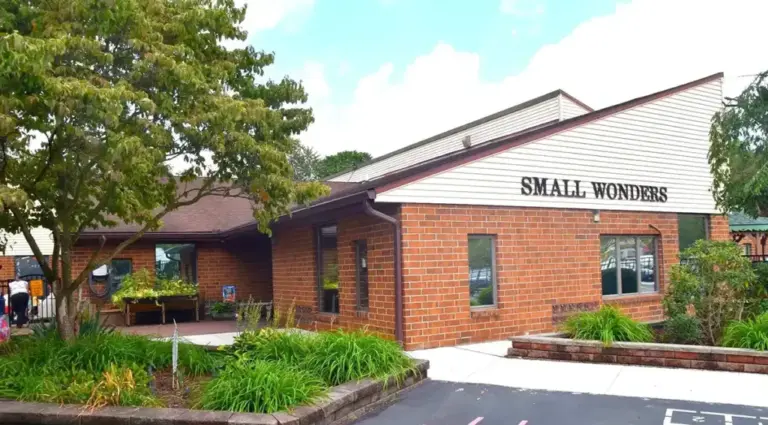
For families preparing younger children for their educational journey, explore our Small Wonders early learning supply resources to learn more about our foundational programs.