
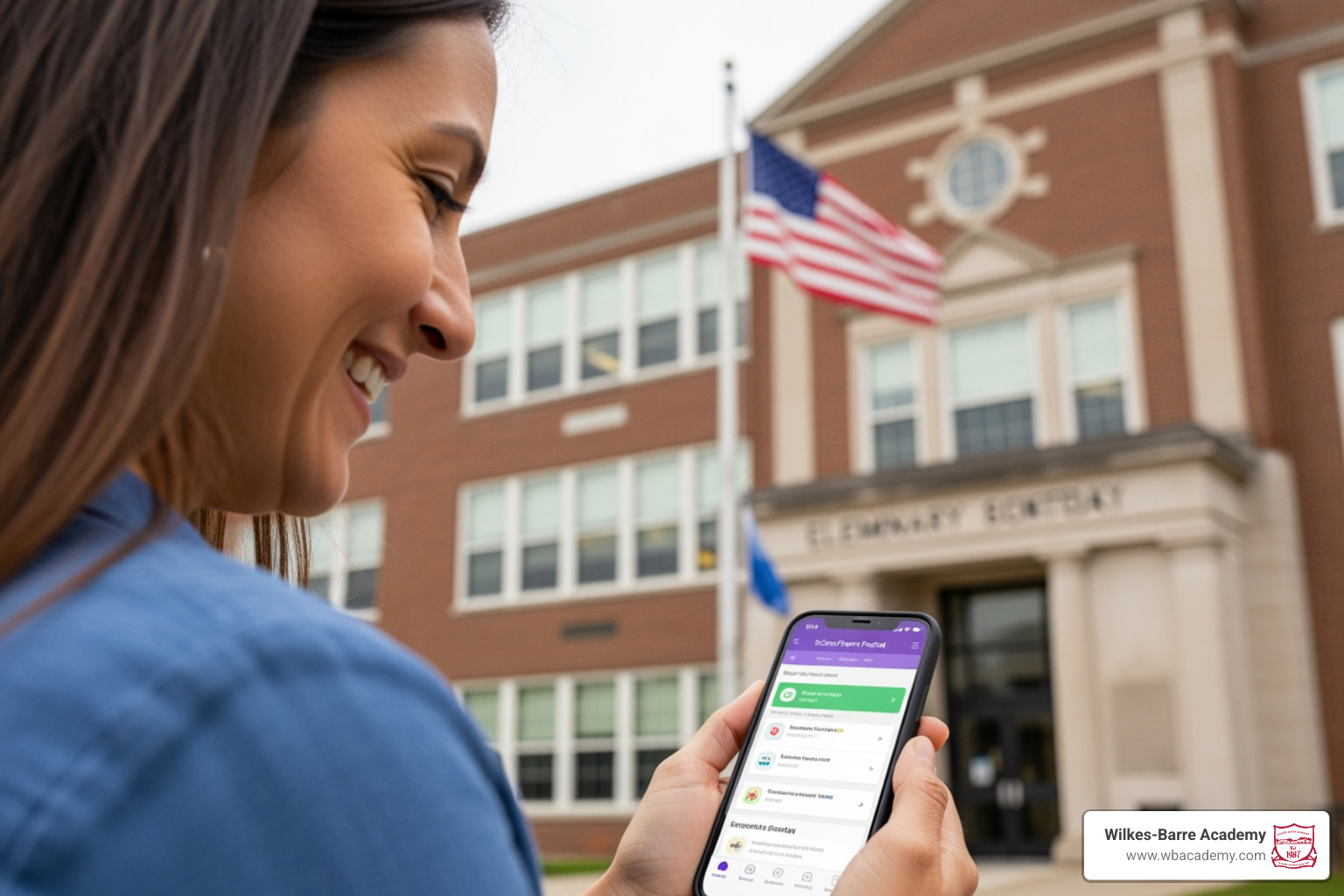
Stay Connected with Pennsylvania School Communication Apps and Portals
How Pennsylvania School Parent Portals Keep Families Connected
Parent portals in Pennsylvania schools give families secure, real-time access to their child’s academic life — all in one place.
Here’s a quick overview of what you can do with a Pennsylvania school parent portal:
| Task | What It Lets You Do |
|---|---|
| View grades | Check current marks and assignments anytime |
| Track attendance | See absences, tardies, and excused records |
| Read announcements | Get school and district news in real time |
| Message teachers | Communicate directly without phone tag |
| Submit absence notes | Report illness or appointments electronically |
| Update contact info | Keep emergency details current online |
| Register new students | Enroll siblings or new children digitally |
| Access via mobile | Use iOS or Android apps with push notifications |
Pennsylvania districts use several different platforms to deliver these features. The most common ones include PowerSchool, Infinite Campus (Campus Parent), ParentVUE, Home Access Center (HAC), and Focus School Software. Each works a little differently, but they all share the same goal: keeping parents informed and involved.
For families who want more than just a login link — who want a school that actively partners with them — understanding these tools is the first step.
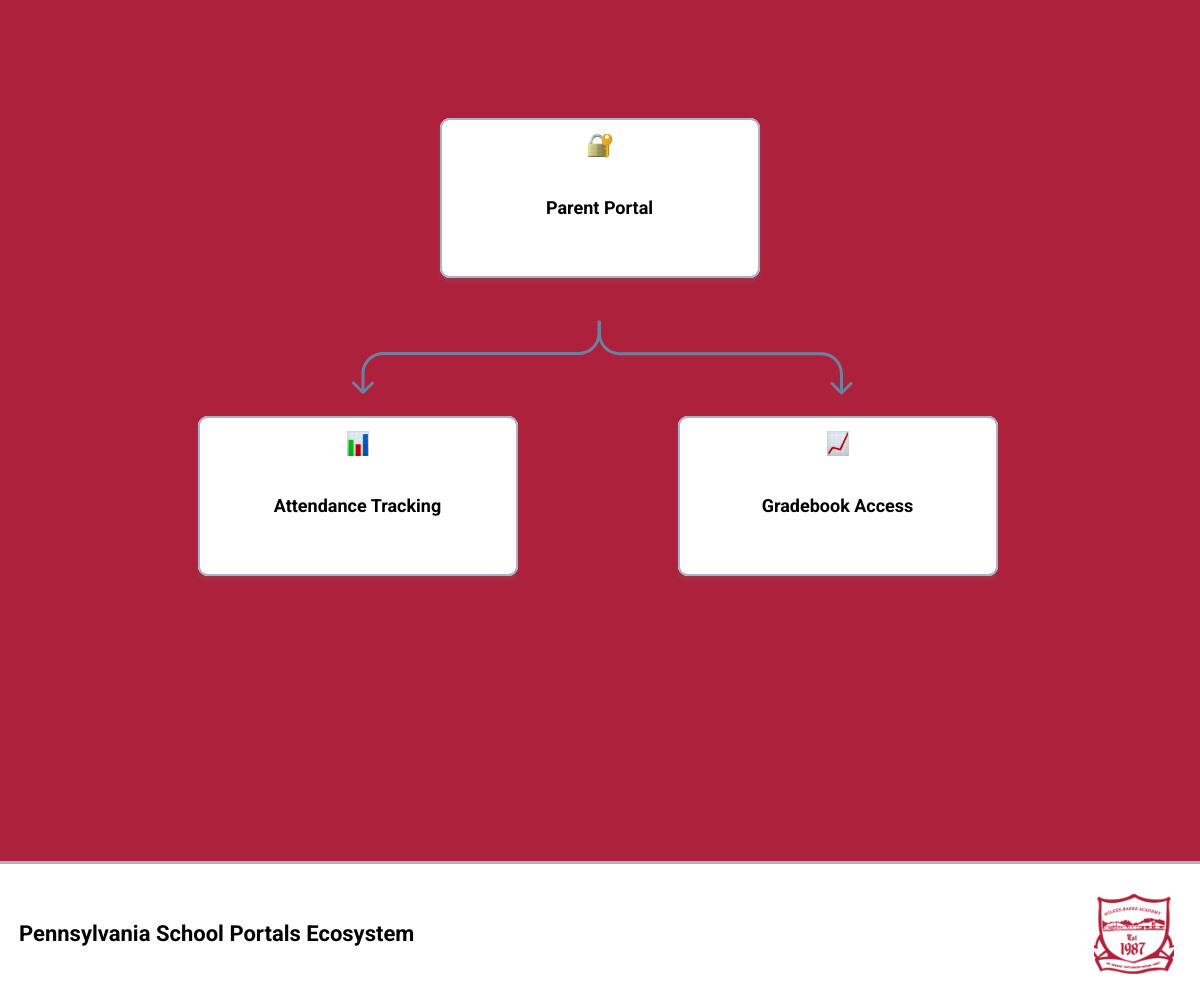
Common Features of a Parent Portal School Pennsylvania
When we talk about a parent portal school pennsylvania system, we are referring to a secure digital gateway that bridges the gap between the classroom and the living room. These platforms require a secure login to ensure that your child’s sensitive data, ranging from medical records to disciplinary notes, remains private and protected.
The most valuable aspect of these portals is the “one-stop-shop” nature of the software. Instead of waiting for a paper report card to arrive in the mail or digging through a backpack for a crumpled flyer, families can now access attendance tracking, live gradebooks, and assignment updates with a few clicks. These systems often feature calendar sync capabilities, allowing school events and project due dates to appear directly on your personal digital calendar. For a deeper look at how these systems facilitate interaction, you can explore the Parent Portal Communication Tool.
Key Functions Families Expect in a Parent Portal School Pennsylvania
In 2026, Pennsylvania families expect more than just static data. They want a dynamic experience. A robust parent portal school pennsylvania platform provides:
- Real-time data: As soon as a teacher enters a grade or marks a student tardy, it appears on the dashboard.
- Academic performance history: The ability to look back at previous semesters to track growth.
- Behavior updates: Notifications regarding positive reinforcements or disciplinary actions.
- District-wide access: A centralized hub for school-wide announcements, such as snow days or upcoming board meetings.
- Teacher communication: Direct messaging tools that eliminate the need for personal email exchanges.
Accessing Your Parent Portal School Pennsylvania Account
Gaining access is usually a straightforward process, though it requires specific school-issued login details to maintain security. Most Pennsylvania schools provide these credentials during the initial enrollment phase. You can typically access the portal via any modern web browser, and many systems also offer mobile-friendly access for tablets and smartphones.
Integrated management systems are also becoming the norm. This means your portal login may connect with additional school tools used for classroom communication, assignments, or family updates, helping keep important information organized in one secure place.
Real-Time Monitoring and Mobile Access
The days of wondering if your child made it to school on time are over. With modern portals, push notifications can be sent directly to your phone the moment an attendance record is updated. This real-time monitoring extends to grades, assignments, and even class schedules.
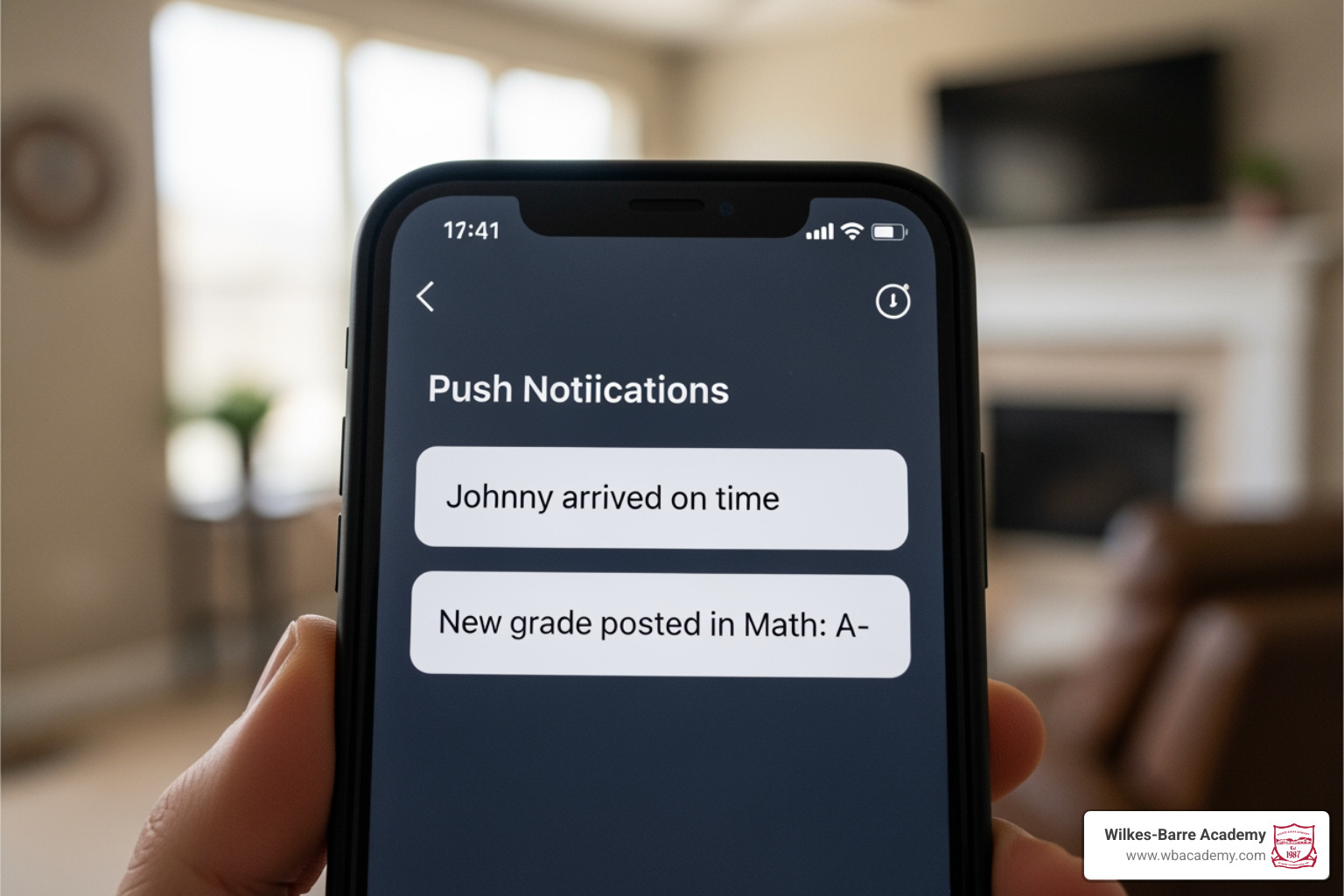
One unique feature often found in Pennsylvania schools is cycle day tracking. Many districts operate on a 4-day, 5-day, or 6-day cycle rather than a traditional Monday-through-Friday schedule. Portals allow parents to see exactly which “day” it is, helping students remember when to bring their gym sneakers or musical instruments.
To help you understand the landscape, we’ve compared some of the most common portal platforms used in our region:
| Feature | PowerSchool | Infinite Campus | ParentVUE | Focus |
|---|---|---|---|---|
| Real-time Grades | Yes | Yes | Yes | Yes |
| Attendance Alerts | Yes | Yes | Yes | Yes |
| Mobile App | Yes | Yes | Yes | No (Web-based) |
| Online Registration | Yes | Yes | Yes | Yes |
For more information on how we utilize these tools to keep our community tight-knit, check out our Parent Portal Communication Tool.
Mobile Applications and Push Notifications
Whether you are using an iOS or Android device, many major parent portal systems offer dedicated apps or mobile-friendly websites. These tools are designed for on-the-go parents who need to check a bus schedule or an assignment reminder while at work.
The real power lies in the alerts. You can customize your settings to receive a notification if a grade falls below a certain threshold or if a student has an unexcused absence. This allows for immediate intervention and support at home, rather than waiting for a mid-term report.
Account Registration and Activation Steps
Setting up your parent portal school pennsylvania account is a critical “back-to-school” task. Most districts, including those in Luzerne County, use a multi-step verification process to ensure student privacy.
- Obtain an Activation Code: This is often sent via a secure email or provided on a physical document.
- Verify Identity: You may need to provide your student’s ID number and date of birth.
- Create Credentials: Choose a secure password and use your registered email as the username.
- Link Students: Use the “Add Student” or “Change Student” feature to link all your children to one account.
In some districts, such as Riverview, accounts are only triggered after parents return physical “Emergency Care” cards at the start of the year. This ensures that the school has the most current legal guardian information on file before granting digital access. For more guidance on the documents required for a smooth school year, see our page on school year information paperwork.
Registration Timelines and Requirements
Timing is everything. Many districts, like Wilkinsburg, send out Parent Portal activation emails on a fixed weekly schedule (often every Monday) to new families. It is important to remember that these accounts typically follow the student from Kindergarten through 12th grade; you generally do not need to create a new account every year, though you will be asked to review and update your information annually.
Administrative Tasks and Integrated Services
Beyond checking grades, the parent portal school pennsylvania serves as an administrative hub. This is where you can complete “Back-to-School” online registration, which has become a mandatory annual requirement for many Pennsylvania families.
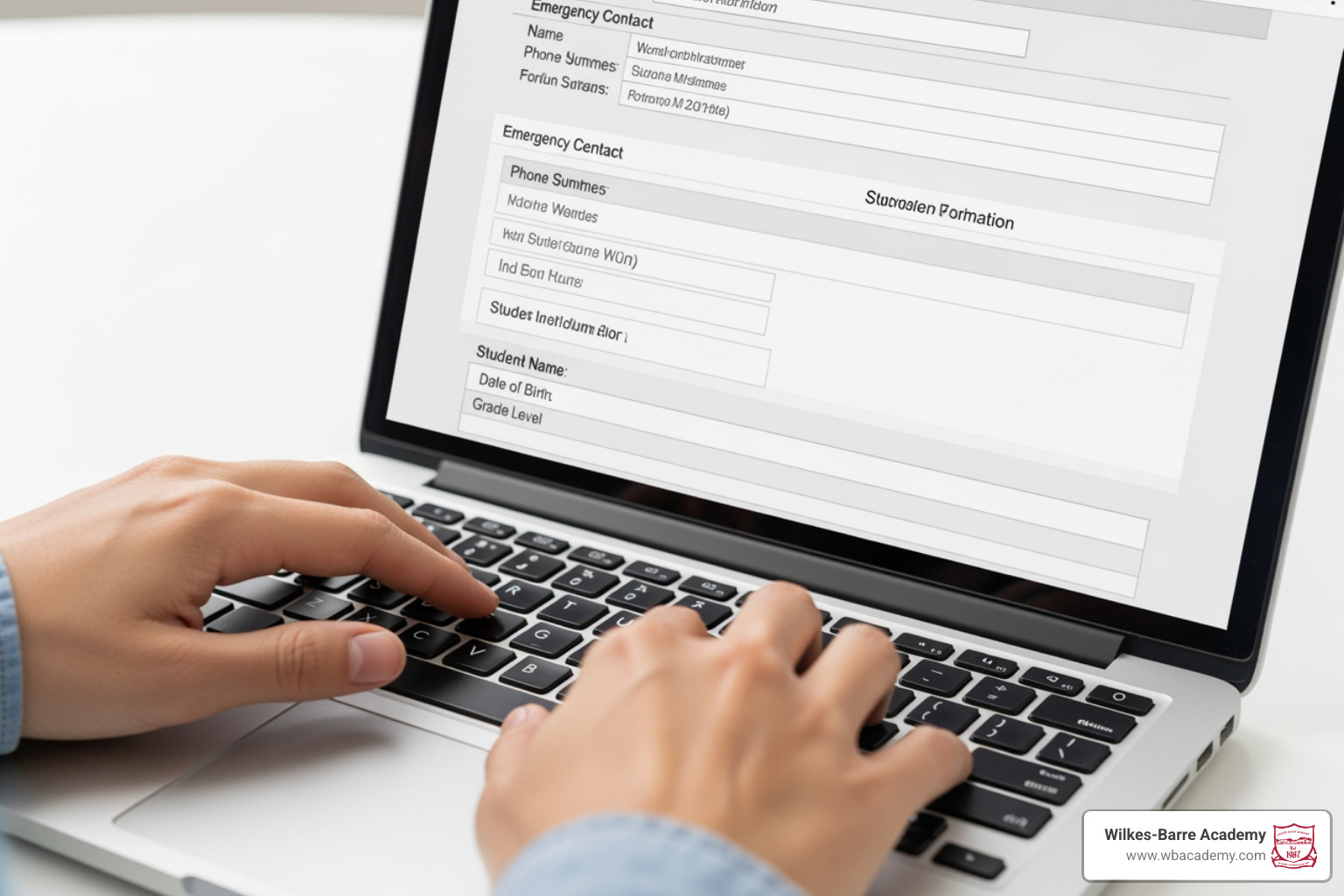
Common administrative tasks handled through the portal include:
- Online Registration: Enrolling younger siblings in Kindergarten or 1st grade.
- Contact Verification: Ensuring your phone number and emergency contacts are correct.
- Electronic Absence Notes: Submitting digital excuses for illness or doctor appointments.
- Meal Account Management: Links to services like SchoolCafe for managing lunch balances.
Community Support and Wellness Integrations
Modern portals are also becoming gateways to essential community services. For example, some Pennsylvania districts partner with services like Care Solace to provide mental health and substance use treatment coordination. These services are often available 24/7/365 and can provide support in over 200 languages.
Additionally, some schools host specific “help windows” for families, such as Medicaid renewal sessions held on designated Wednesdays. This holistic approach ensures that the portal isn’t just about academics—it’s about the well-being of the whole family.
Frequently Asked Questions about Pennsylvania Parent Portals
What should I do if I forget my login credentials?
Don’t panic. Almost every parent portal school pennsylvania login page features “Forgot Password” or “Forgot Username” links. If the automated system doesn’t work, you should contact your school’s technology help desk. In many cases, support requests must come from the email address the school has on file to verify your identity.
Can I manage multiple children through one portal account?
Yes. Many parent portal systems are designed for household-level access. Once you log in, look for a “Change Student” button or a dropdown menu in the top navigation pane. This allows you to toggle between your elementary, middle, and high school students without logging out. If one of your children is missing from the list, you will likely need to contact the school office with that student’s ID number to have them linked to your profile.
How do I submit an absence note electronically?
Many Pennsylvania schools now prefer electronic submissions over paper notes. Within your portal, look for an “Attendance” or “Forms” section. You can usually upload a photo of a doctor’s note or type in the reason for an illness. This helps the school receive the note promptly and reduces the chance of it getting lost in a backpack.
Conclusion
Navigating parent portal school pennsylvania tools can feel overwhelming at first, but these platforms are designed to empower you. By staying connected, you ensure that your child has the support they need to succeed both in and out of the classroom.
At Wilkes-Barre Academy, we pride ourselves on maintaining these strong family-school connections. As a private, non-profit K-8 school in Luzerne County, we offer an academically advanced curriculum where every child is known and valued. Our single-classroom-per-grade structure allows for the kind of individualized learning and close-knit community that digital portals are meant to support.
To ensure your family is ready for the upcoming term, please stay updated with our school year information paperwork. We look forward to partnering with you in your child’s educational journey!